
Web app
Buildplanner
Construction schedules you can share, send and print.
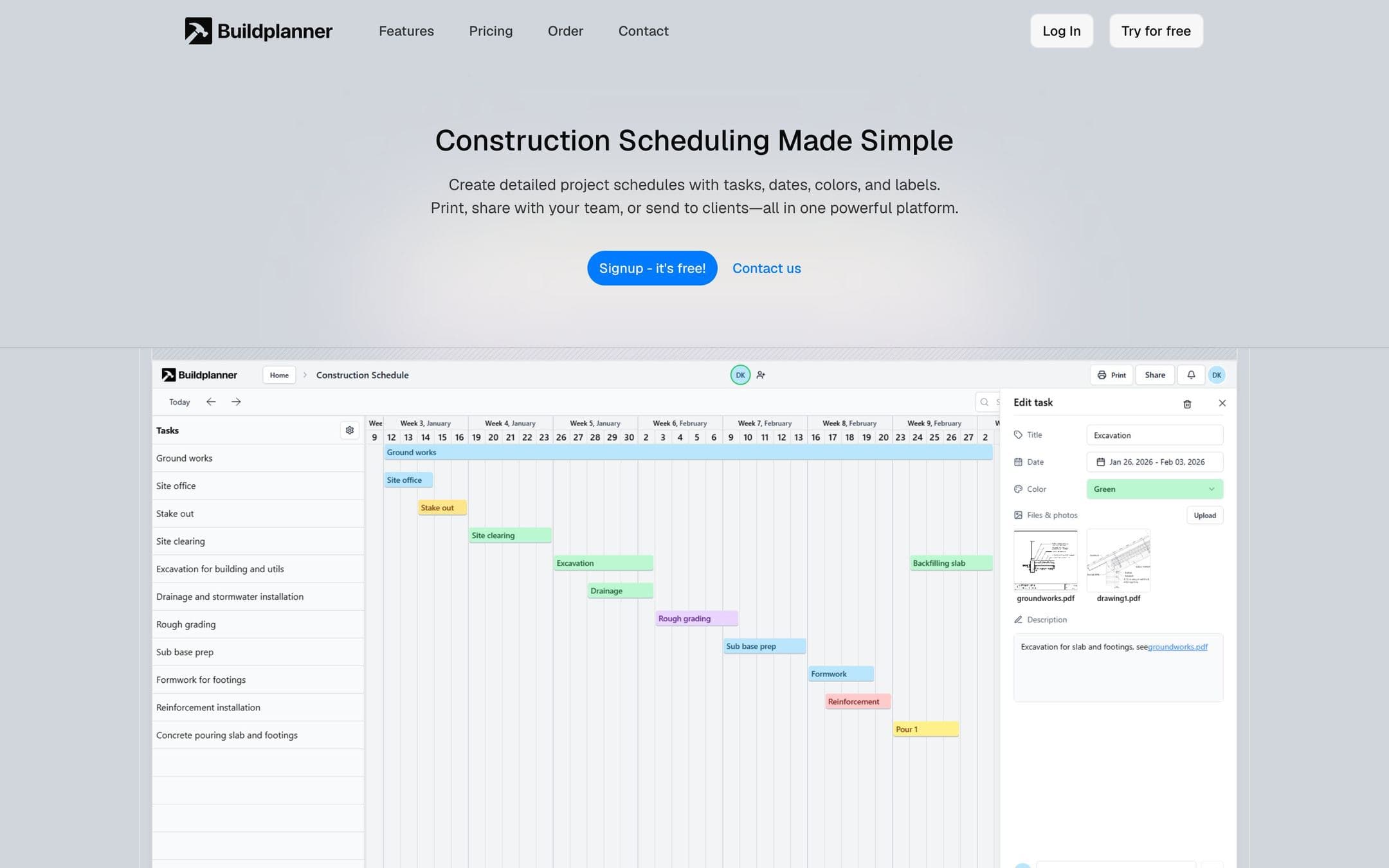
A construction scheduling platform. Managers build a project schedule from tasks, dates, colours and labels, then share it with the crew or the client by secure link, or print it for the site office. A template library means recurring project types start from a plan rather than a blank chart.
What it is
Buildplanner is scheduling software for construction. A project manager lays the job out as tasks on a timeline, and the same schedule is what the crew, the subcontractors and the client all look at.
Who it is for
It is for construction managers whose schedule currently lives in one person's spreadsheet. On a building site the plan keeps changing and everybody needs the current one; Buildplanner is built to make the current one the only one.
How it works
A schedule starts from a template for a familiar project type, from a blank plan, or from one imported from another tool. Tasks get dates, dependencies, a responsible person, colours and labels, and can carry files, photos, descriptions and comments. The schedule is shared by secure link — with the team to work on, with the client to read — or printed for the site office with the company's logo, a chosen paper size and a date range.
For larger companies there is single sign-on with Microsoft and Google, and customer data is stored in Sweden with backups across several locations. The product is available in seven languages.
What is in it
The parts that do the work.
- Tasks with due dates and dependencies on a timeline schedule
- Colour coding, labels and categories for filtering
- Secure share links for the team and for clients
- Print-ready schedules for on-site use
- A template library for recurring project types